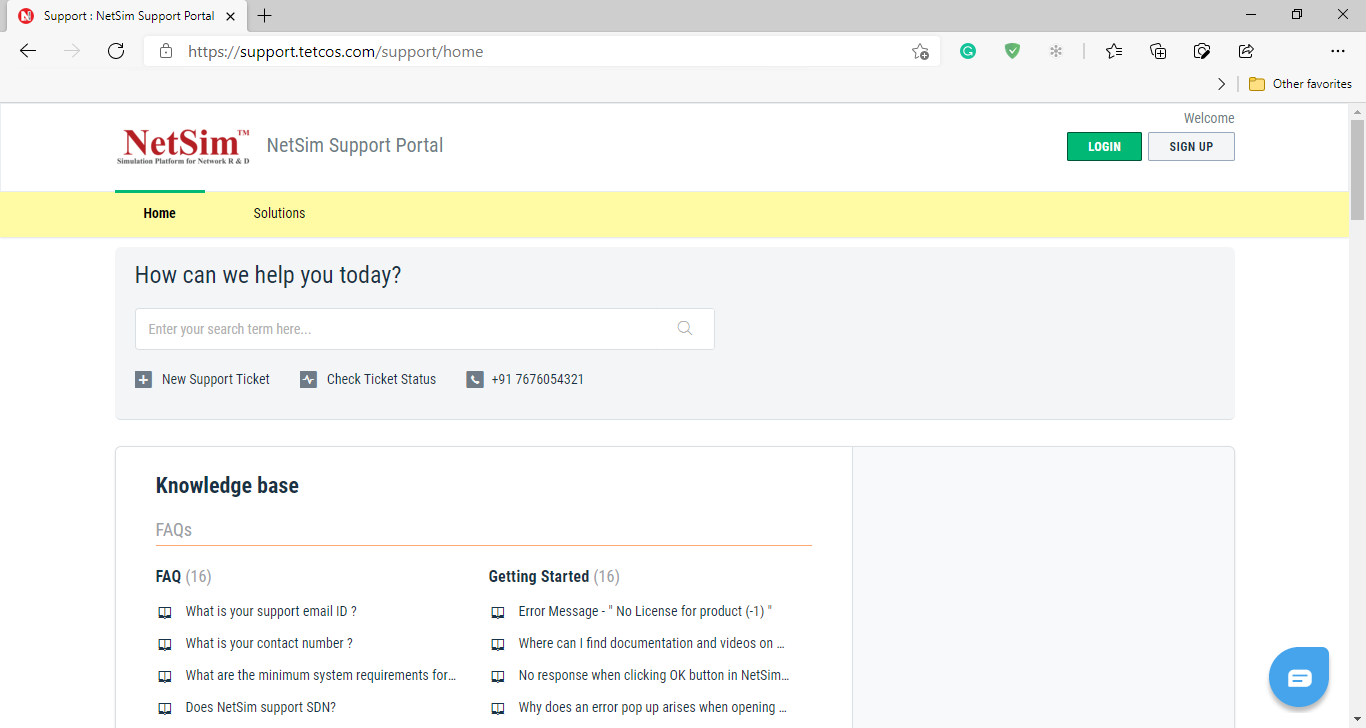
Best practices for customers to utilize NetSim Support Portal
Following are our recommendations to help you in getting the best out of our support portal:
- Mark a cc to the Application Engineer (your contact person in NetSim), or to sales@tetcos.com if you dont hear back from us within 2 working days. This sometimes happens if the portal marks your request as 'spam'.
- Always Sign in to our Support Portal which provides a convenient and rich interface to:
- Create new tickets
- Keep track of existing tickets
- Respond to support mails
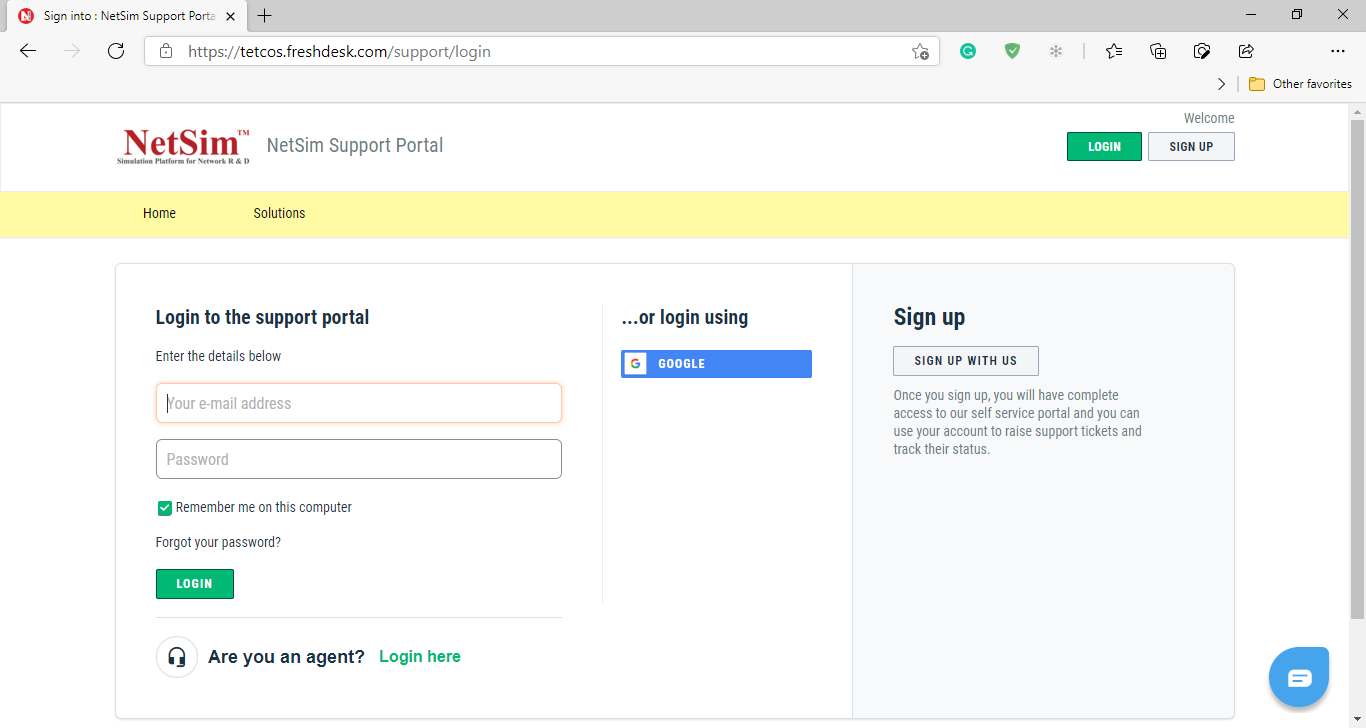
You can quickly get to our support portal from NetSim Home Screen using the"Contact Technical Support" option under Support (In lower versions of Netsim, under Support->Raise a ticket option) or from our website (http://www.tetcos.com) under support-> Raise a ticket.
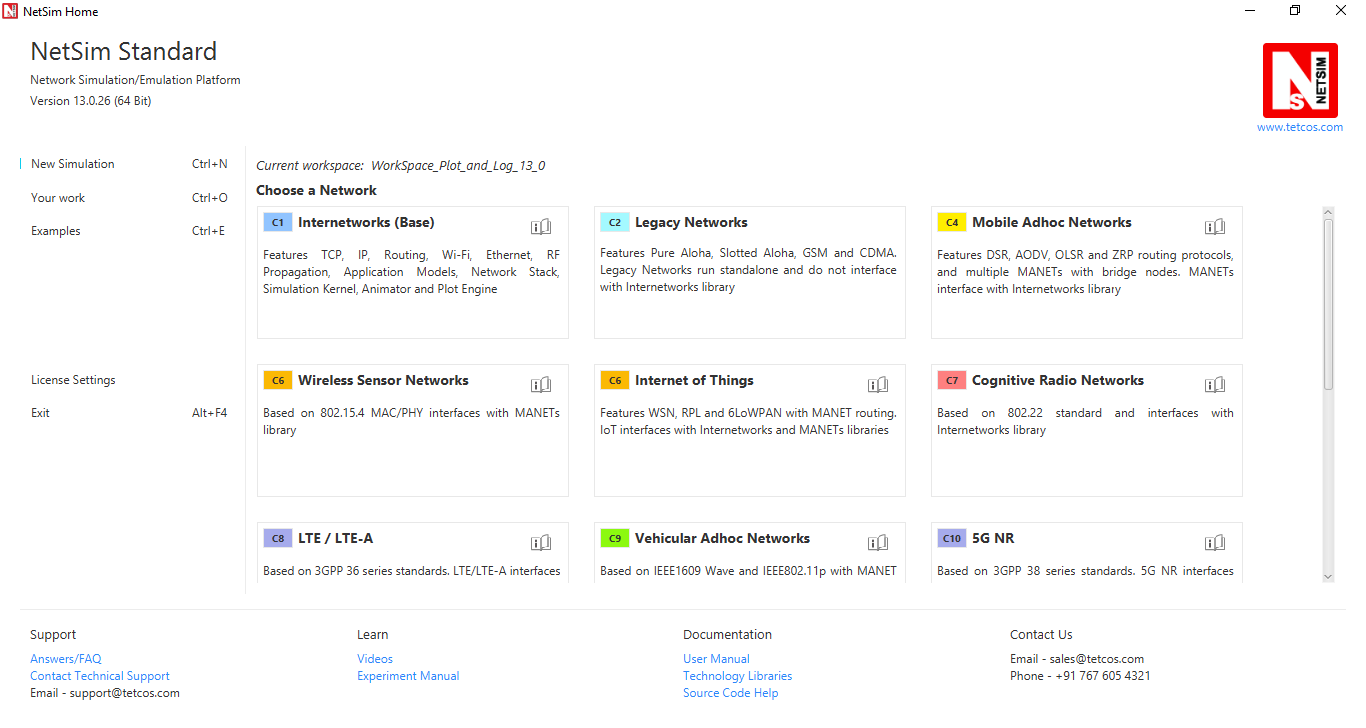
Also, access our KnowledgeBase which contains hundreds of technical articles and FAQ's which can be accessed directly from the home screen using "Answers/ FAQ" (in lower versions of Netsim, using the "Helpdesk") option or from our website (http://www.tetcos.com) under Support->KnowledgeBase option.