How to interface SUMO with NetSim using osmWebWizard?
| Applicable Versions | NetSim Standard | NetSim Pro |
| Applicable Releases | v11 | v12 | v13 |
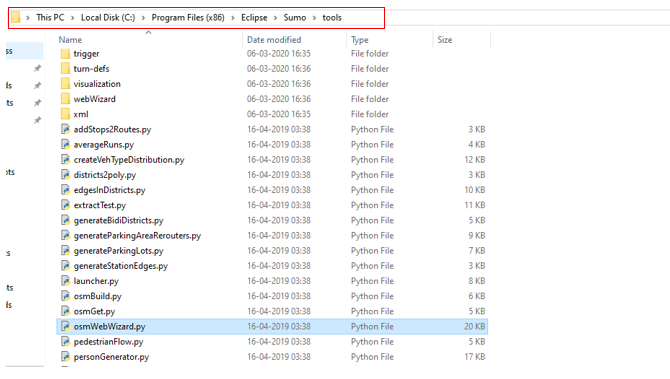
- Go to present installation directory of sumo <SUMO_INSTALL_DIRECTORY>/tools and Double Click on osmWebWizard.py
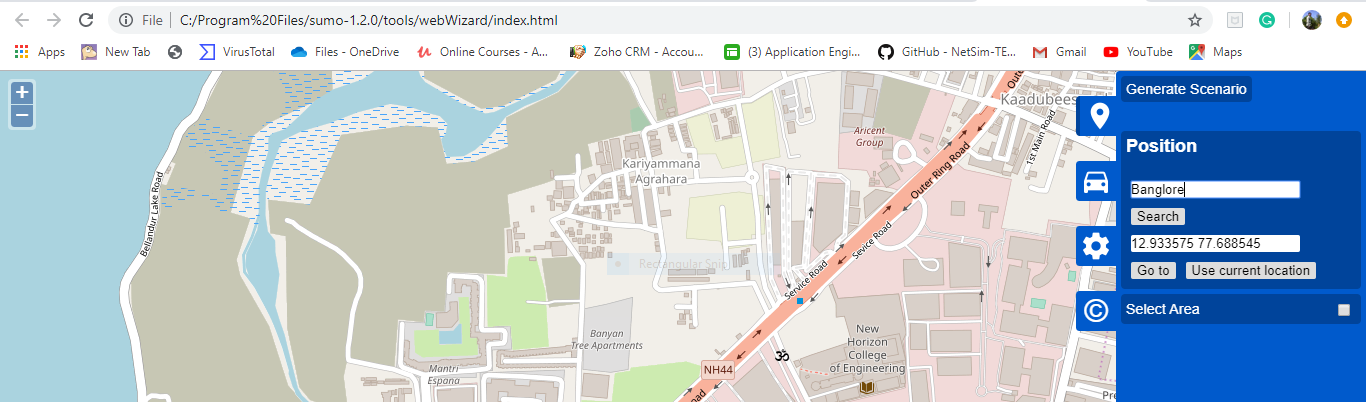
- Then OSM file will be open in the browser and set the location
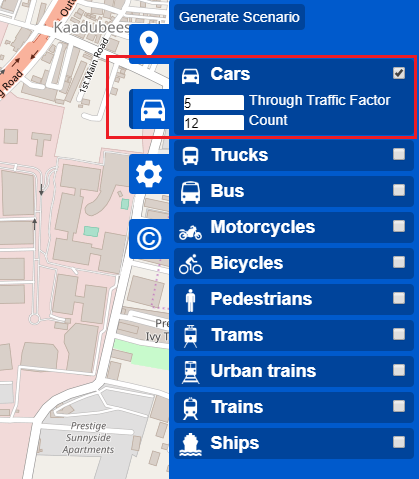
- After selection of area, click on Vehicles and select Cars in it.
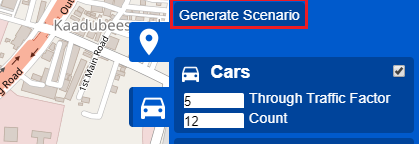
- Click on Generate Scenario to get the SUMO configuration files which will be given as input to NetSim as .sumocfg format.
- The configuration file is saved in C:\Users\%UserName%\Sumo\<date and time upon save>\.
- The saved folder contains the following files in which one of them is osm.sumocfg.
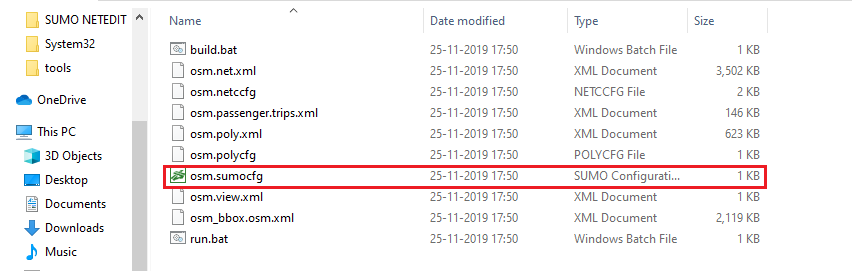
- Open OSM. Sumocfg in notepad then add below given 3 lines.
<time>
<begin value="0"/>
<end value="100"/>
<step-length value="0.4"/>
</time>

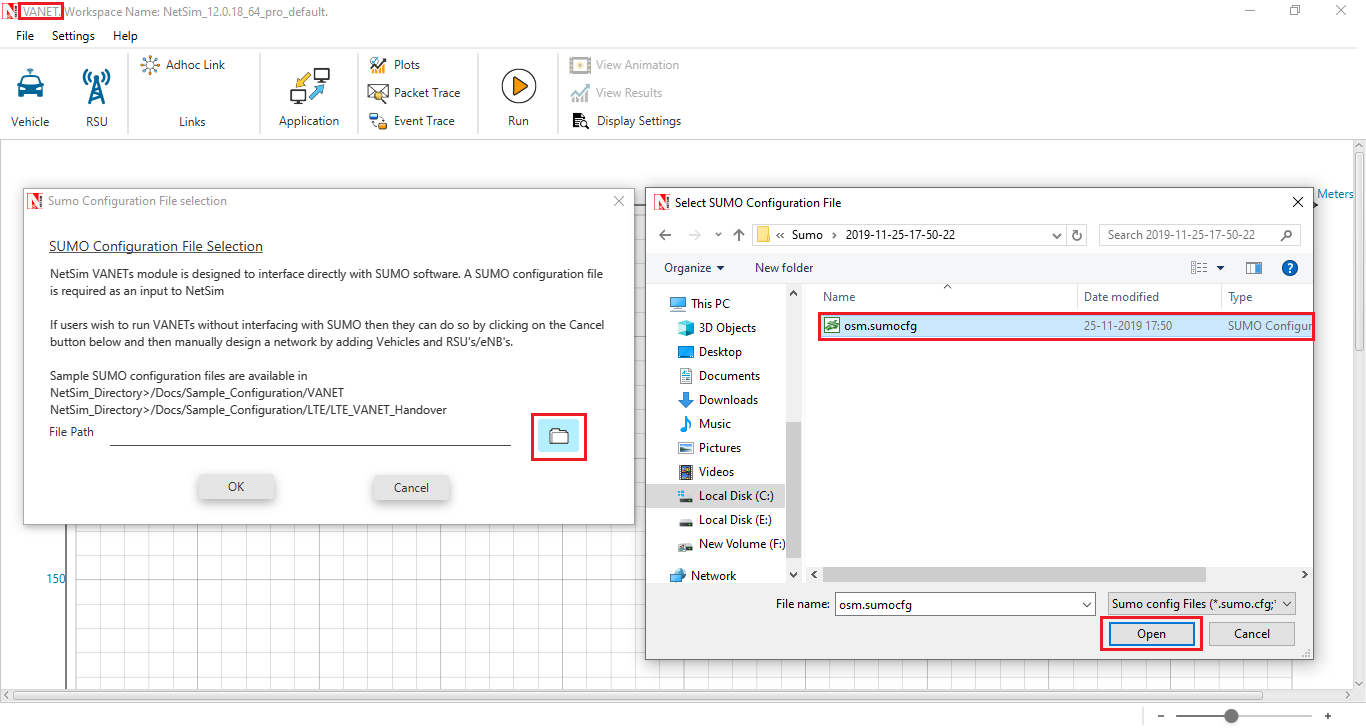
- Open NetSim Vanets, and give the above sumo configuration file as the input to NetSim.
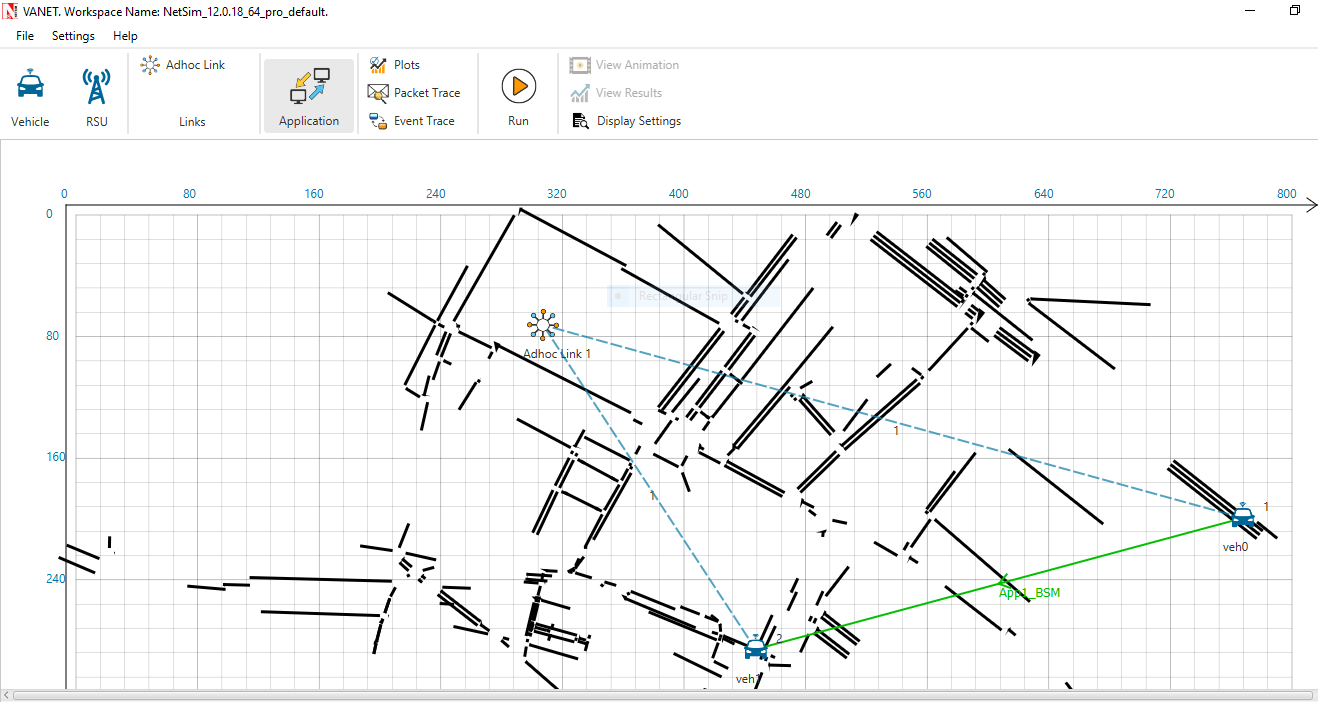
- Upon successfully importing the SUMO configuration file, create an application between the vehicles and perform network simulation.
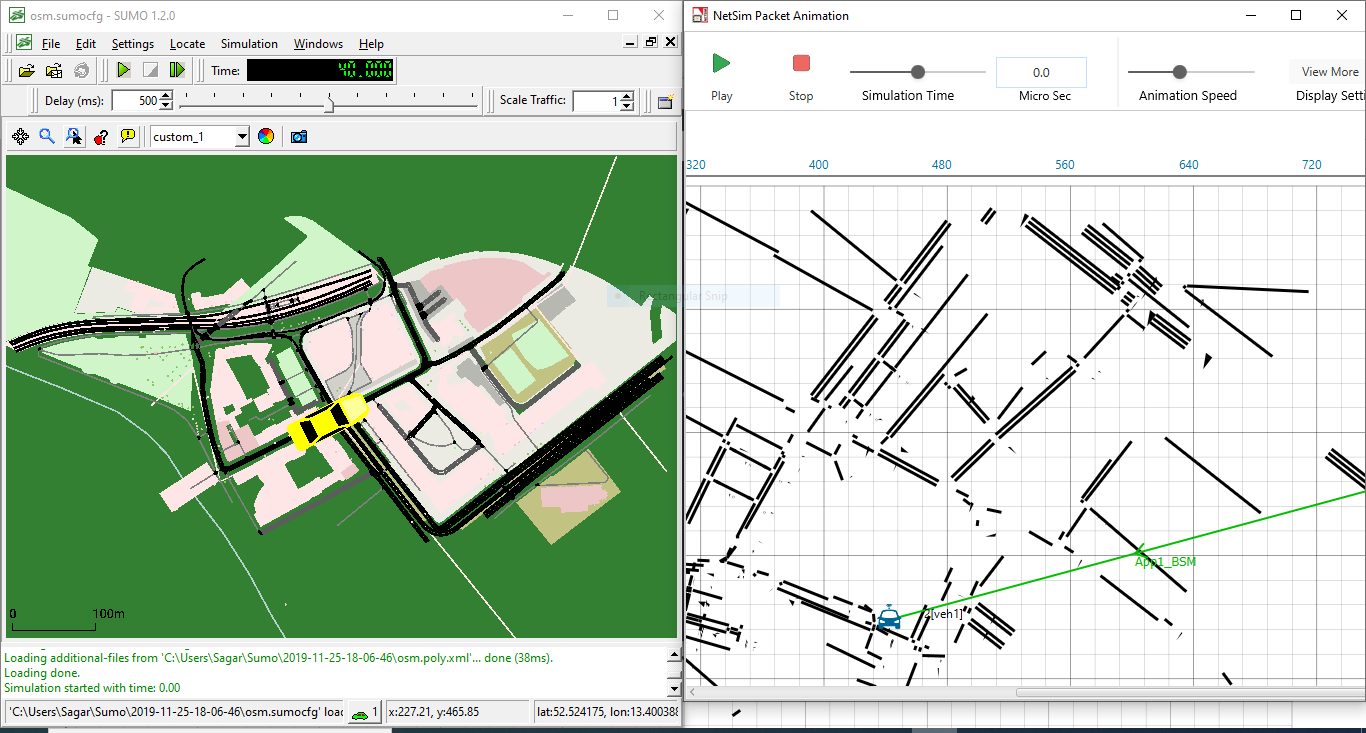
- Select Play and Record Animation and Run the simulation using Run.
Related articles:
How to perform Rail Network Simulation by interfacing NetSim VANET library with SUMO?
How to run VANET Simulations in NetSim with Python 3.6 installed?
How to use SUMO NetEdit utility and randomtrips.py to configure road traffic models?